Pole vault meet hosting, from entries to results.
Host a pole vault competition with online registration, entry payments, and waivers. Build flights and schedules, score the meet with Live, and publish results from one club workspace.
Organization verification comes first. No card is charged and no paid plan starts here.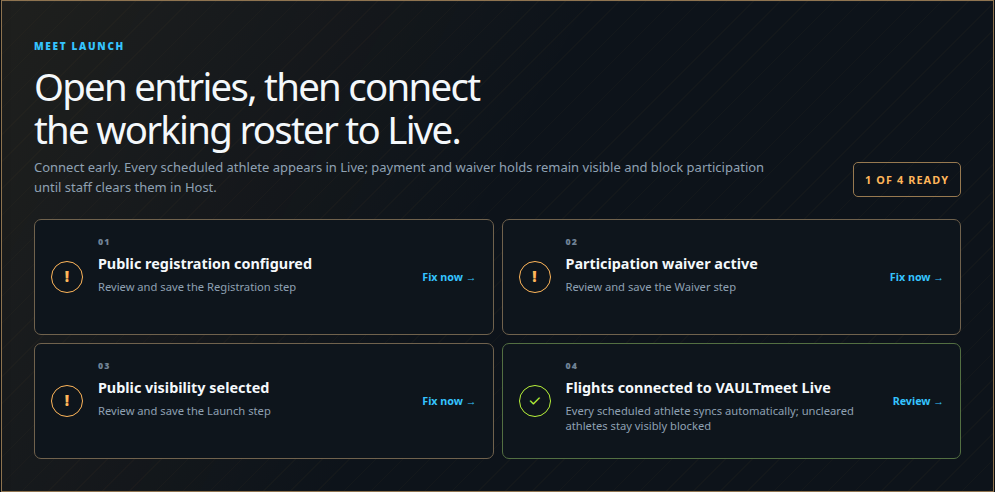
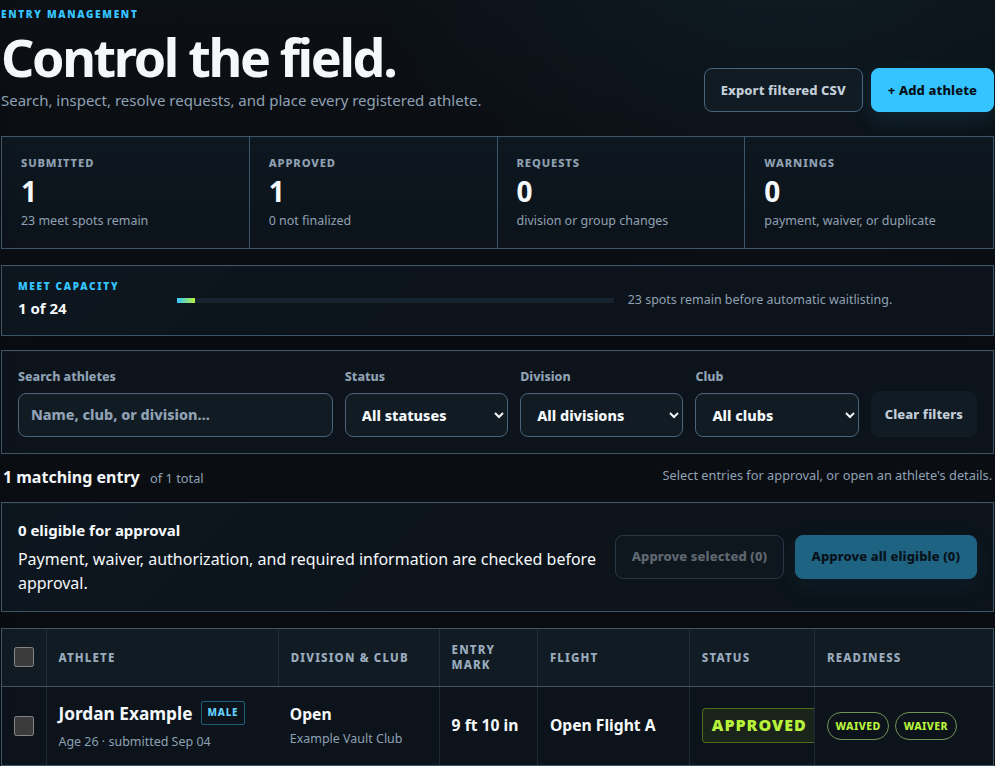
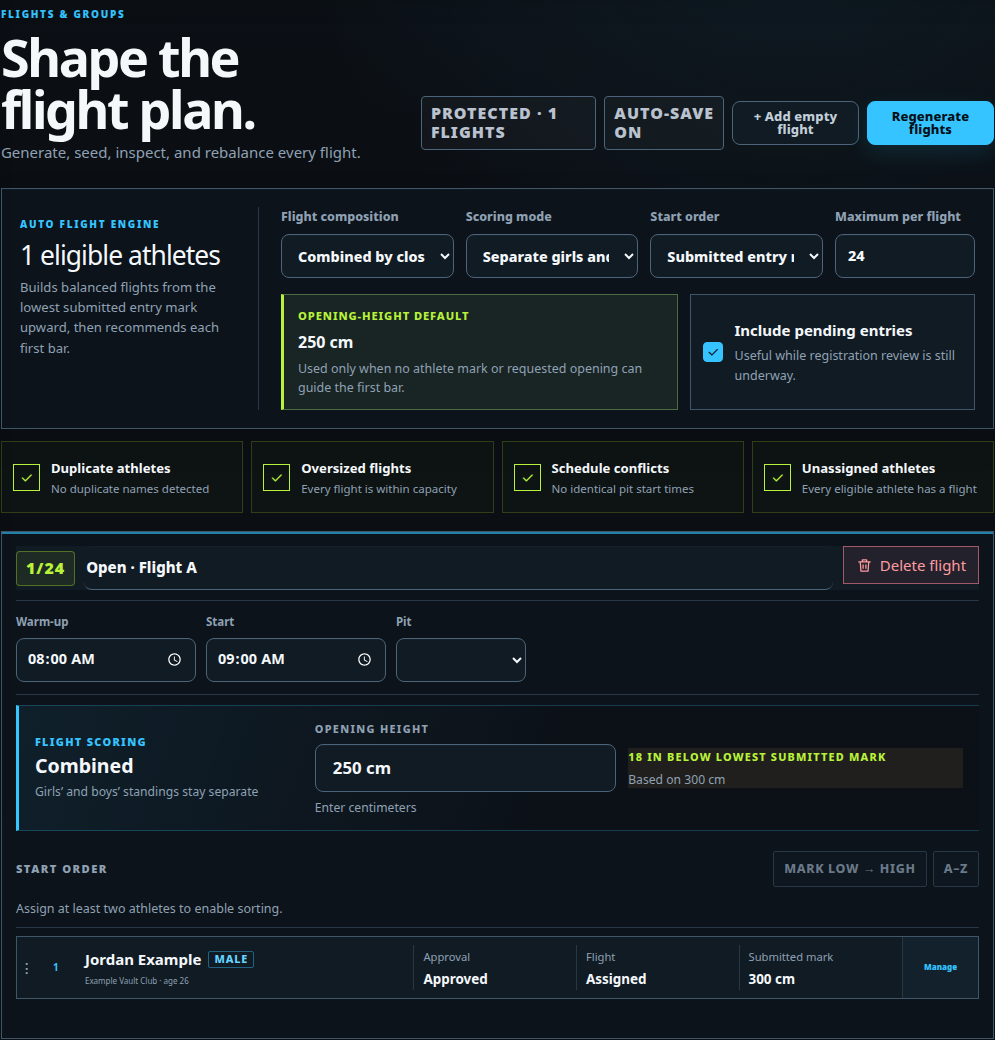
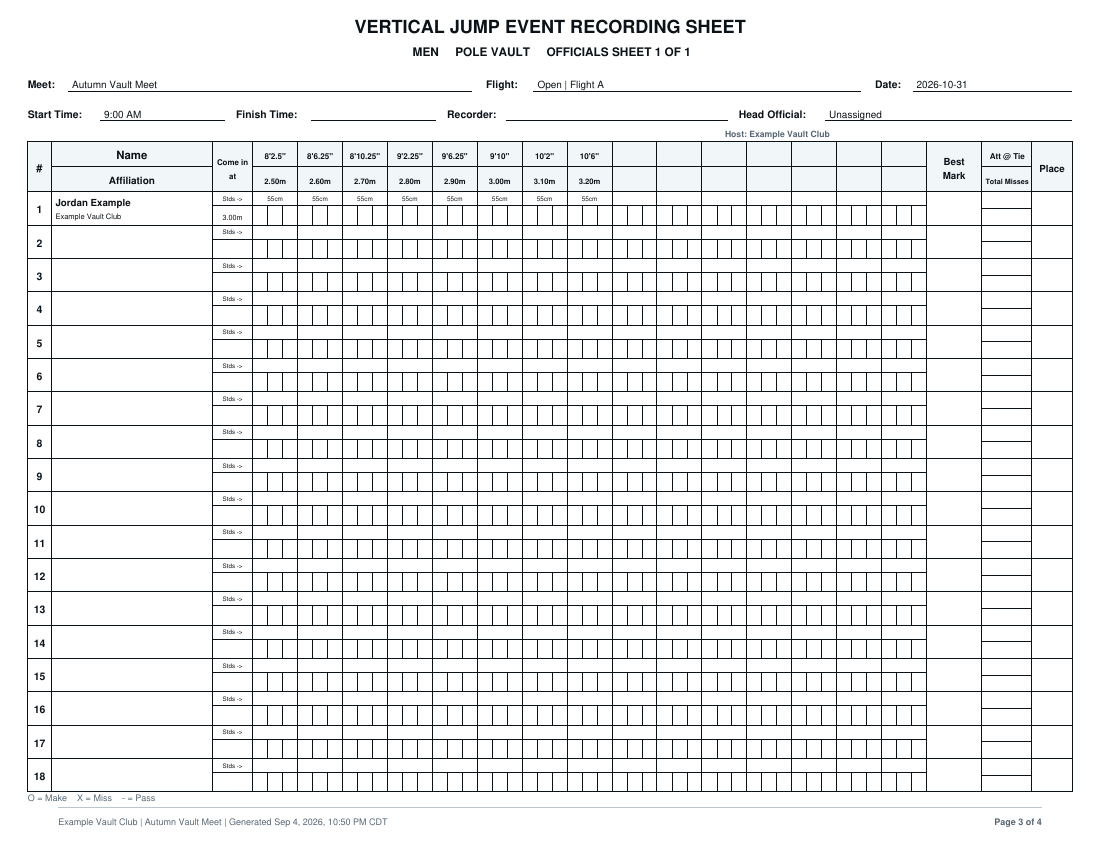
This is what meet directors actually use.
These are captures from a working VAULTmeet Host meet—not reconstructed marketing panels.
From idea to last bar.
Start with essentials, create a draft early, and let the workspace show one useful next action at a time.
- 01
Create the meet
Set the date, venue, divisions, registration window, fees, and waiver rules.
- 02
Collect clean entries
Families register athletes while Host tracks payment, waiver, and approval status.
- 03
Build the plan
Turn approved entries into flights, pit assignments, schedules, staff roles, and printouts.
- 04
Run it with Live
Send the prepared roster to Live, score every attempt, and publish results.
The club gets verified. Then it can pilot a meet or choose Host access.
Your personal account identifies you; the organization workspace represents the club; Host access belongs to that organization.
- 01Verify your account
- 02Find or request the club
- 03VAULTmeet reviews ownership
- 04 Start the First Meet Pilot or activate Host
What a first-time meet director needs to know.
Get clear answers about club setup, access, and your first meet.
01What does VAULTmeet Host replace?+
Separate registration forms, entry spreadsheets, payment notes, waiver chasing, flight lists, schedule documents, staff-code messages, and a separate scoring workflow.
02What does my club need before it can start?+
A verified VAULTmeet account and authority to represent the club. Find your organization or request an unlisted one, then VAULTmeet verifies ownership before paid access is selected.
03Does Host include VAULTmeet Live?+
Yes. Host covers registration through scheduling and includes Live for check-in, scoring, standings, and public results on meet day.
04When does billing begin?+
Not during the ownership request. After verification, the owner can run one First Meet Pilot or start the $25 monthly club plan. The pilot requires an upgrade for athlete 21 or a second meet.
05What happens after we join?+
Create your real draft meet. An in-context guide starts automatically and resumes from the same step until you finish it.
06Can we see the system before committing?+
Yes. VAULTmeet Live keeps its temporary fictional demo. Host teaches you inside your first real draft so a sample record never consumes the one-meet Pilot.